 T-Minus
T-Minus Overtime Tracker
Know exactly where your overtime stands.
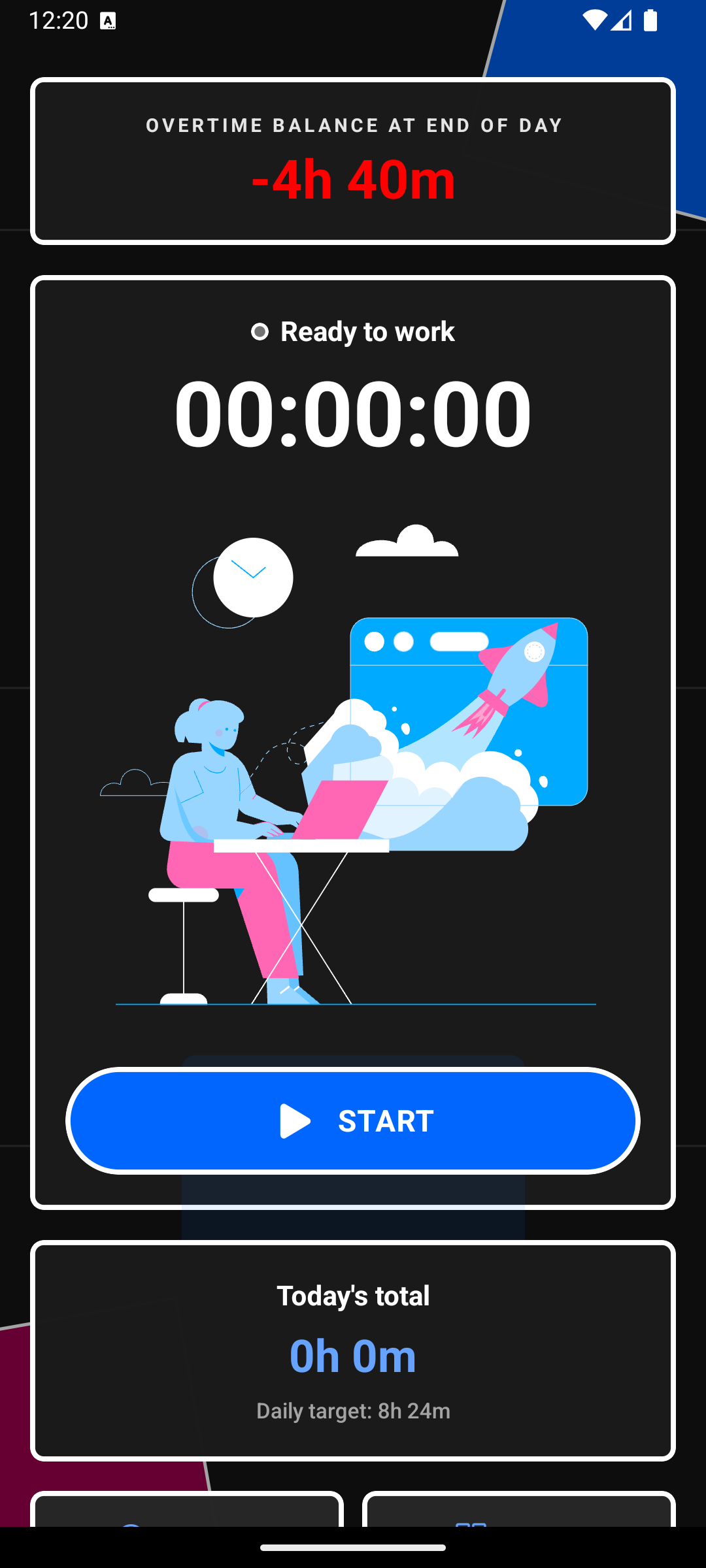
- One-tap timer and session tracking
- Automatic overtime calculations
- Weekly reports and premium insights
- Private by default, local-first data

How it works
01
Set your work schedule
Enter your expected daily hours and starting date. T-Minus Overtime Tracker uses this as the baseline for all overtime calculations.
02
Track your sessions
Tap to start a session when you begin work, tap again when you're done. Edit any session manually if needed.
03
See your balance
Your cumulative overtime updates automatically. Check the dashboard or weekly report to see exactly where you stand.
Simple pricing
Try everything free for 30 days. No account required.
Free
$0
30-day full-feature trial, then free tier
- ✓Timer & session tracking
- ✓Overtime balance
- ✓Local-first, private by default
Premium
$0.99/month
or $30 one-time lifetime purchase
- ✓Timer & session tracking
- ✓Overtime balance
- ✓Charts & statistical insights
- ✓Weekly reports
- ✓AI weekly insights
- ✓Cloud sync (Google/Apple sign-in)
Subscriptions managed via Google Play. Cancel anytime.